
Why Is My Phone Volume Not Working? 10 Easy Fixes You Can Try
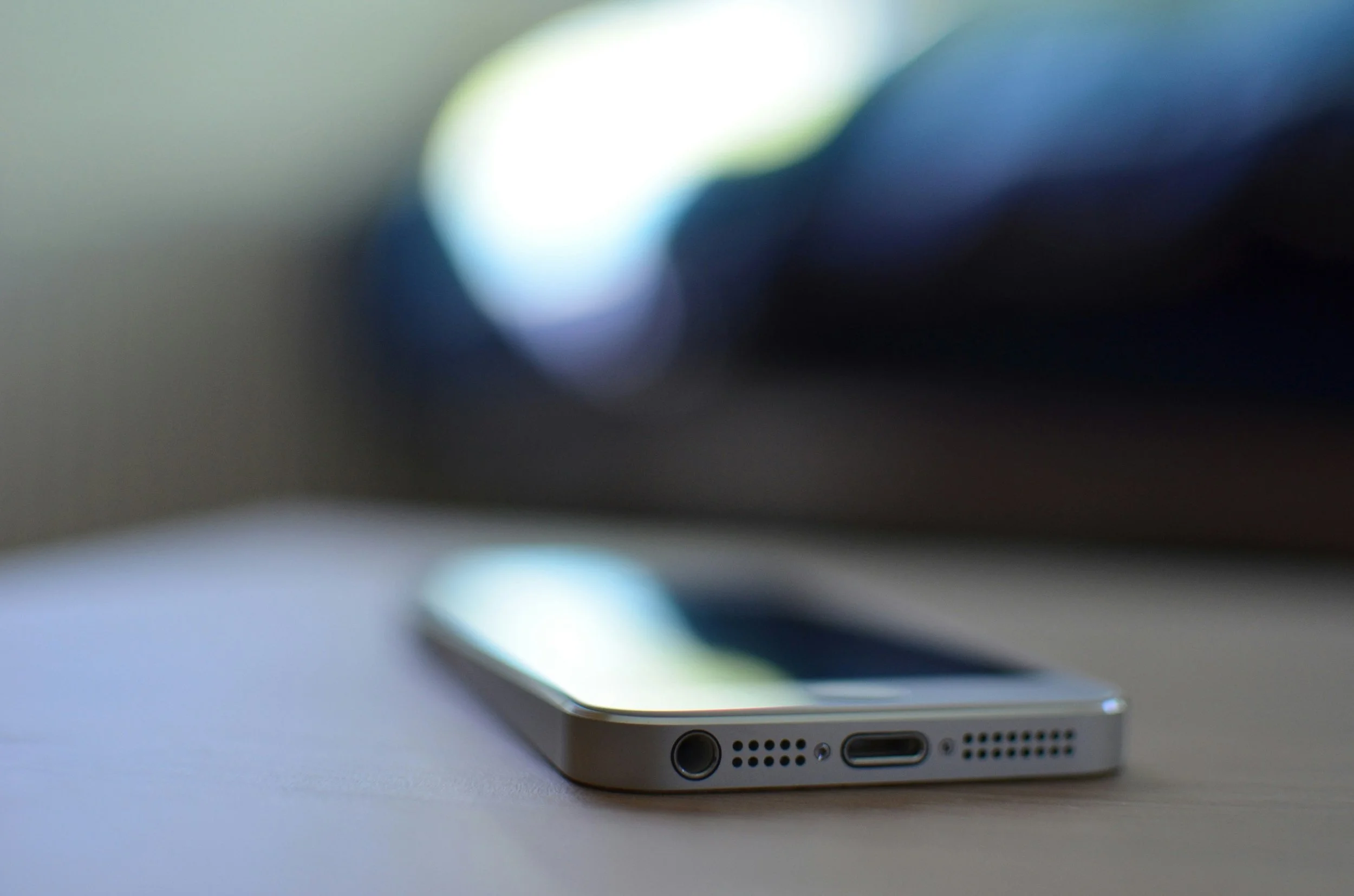
Quick Answer: If you have been searching “why is my phone volume not working,” you are in the right place. The issue may be caused by muted settings, Bluetooth connections, software glitches, dirt blocking the speaker, or even internal hardware damage. Many sound problems can be resolved with simple troubleshooting. If the problem continues, professional smartphone repair in Albuquerque may be needed to identify and repair damaged components.
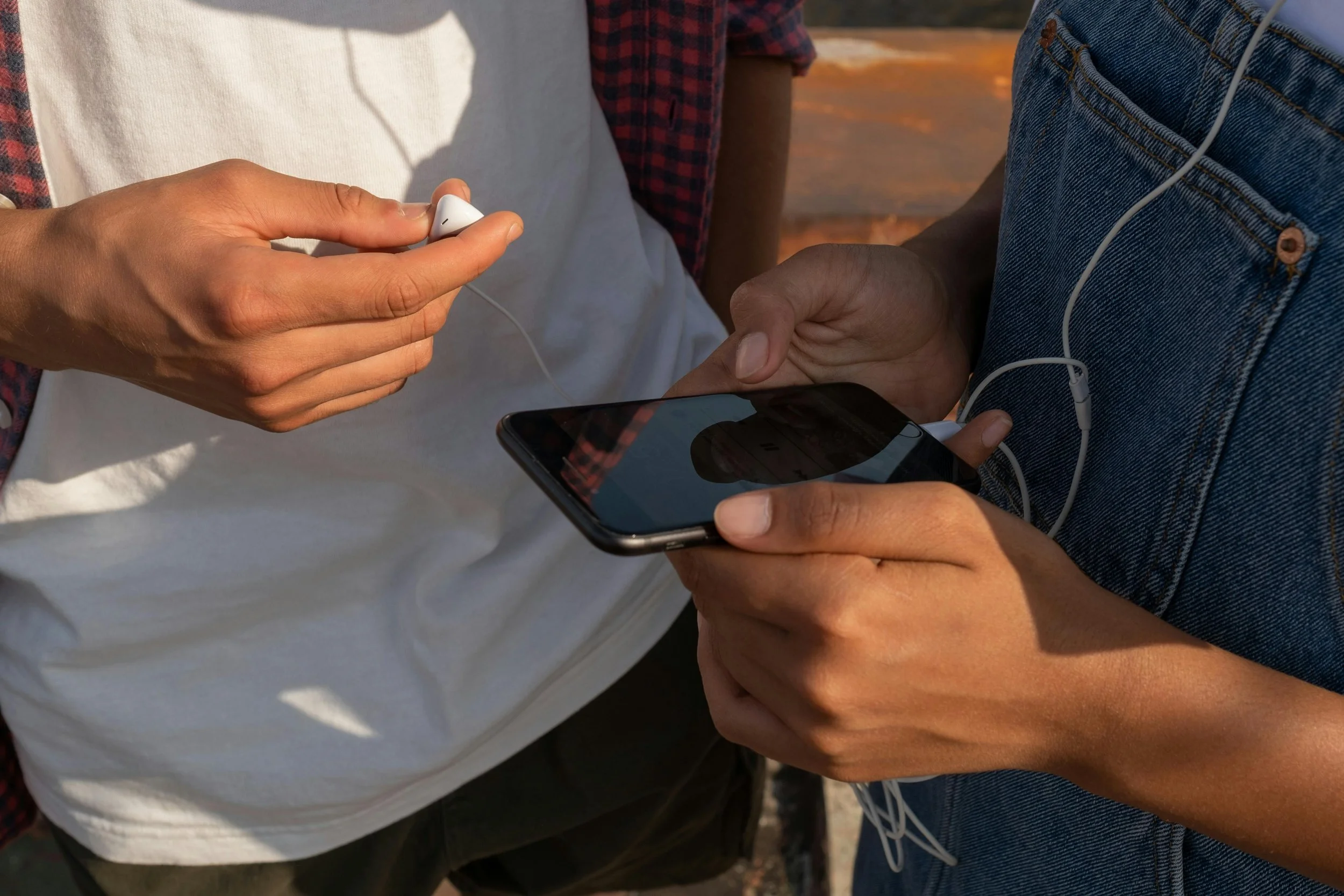
There is nothing more frustrating than having your phone volume work perfectly one day and suddenly stop the next, especially when you rely on your device to stay connected around Albuquerque during work, school, or daily errands. If you have been searching for answers, you are not alone. The good news is that many sound issues can be fixed with a few simple troubleshooting steps. In this guide, we’ll walk through the most common causes of phone audio problems and practical ways to restore your device’s sound.
Why Is My Phone Volume Not Working?
Several issues could be causing your phone’s sound to stop working properly. Common reasons your phone volume may not be working include:
Volume settings are muted or turned down
Bluetooth is connected to another device
Dirt or debris is blocking the speaker
Software bugs or outdated apps
Water or moisture damage
Faulty speaker or internal hardware damage
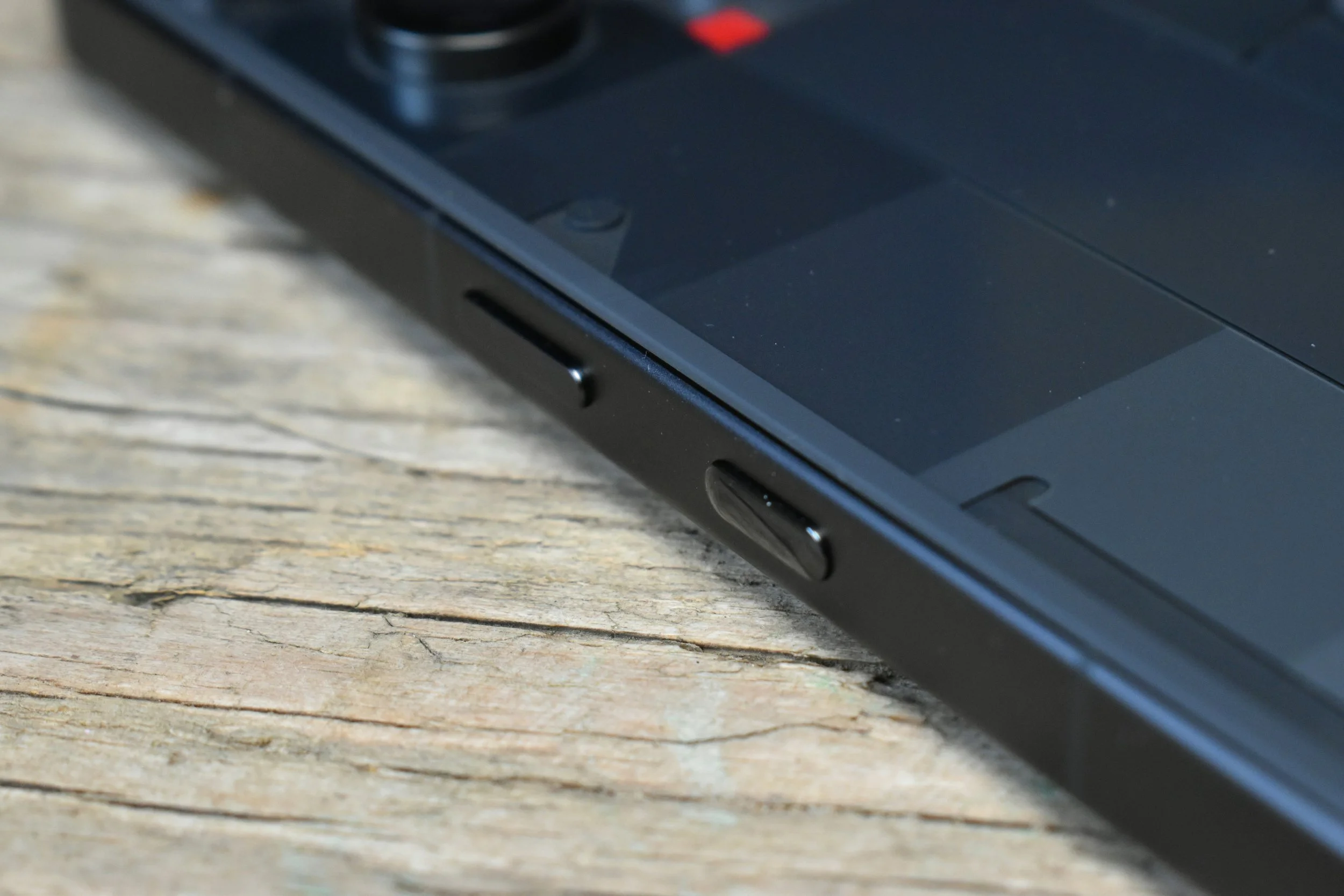
Volume buttons are not responding properly
Audio issues caused by specific apps
How to Tell if the Problem Is Hardware or Software
One of the most common questions we hear from customers looking for smartphone repair in Albuquerque is whether their phone’s sound issue is caused by software or hardware problems.
In many cases, software-related sound problems appear suddenly after a system update, app installation, or settings change. You may notice that the sound still works in certain apps, through headphones, or after restarting the phone temporarily. Hardware-related issues are usually linked to physical damage. If your phone was dropped, exposed to water, has distorted sound, or completely loses audio across all apps and calls, damaged speakers or internal components may be the cause. Paying attention to when the problem started and how your phone behaves can help you resolve the issue more effectively.
What Steps Can I Take to Troubleshoot My Phone’s Volume Problems?
If your phone suddenly has low or no sound and you are wondering why your phone volume is not working, there are several troubleshooting steps you can try before bringing it in for repair.
Restart Your Phone
A quick restart can resolve temporary software glitches that may interfere with your phone’s audio. Restarting refreshes background processes and can often restore normal sound functions.
Check the Volume Settings
Make sure your ringtone, media, and call volumes are turned up. Your phone may have accidentally been switched to silent mode or Do Not Disturb.
Disconnect Bluetooth Devices
Your phone could still be connected to wireless earbuds, speakers, or your car’s audio system. Turning Bluetooth off temporarily can help determine if the sound is being redirected elsewhere.
Clean the Speaker Grilles
Dust, lint, and debris can block your phone’s speakers and reduce sound quality. Use a soft brush or compressed air carefully to clean the speaker openings.
Remove the Phone Case or Screen Protector
Some phone cases and poorly fitted screen protectors can partially block speakers. Removing them temporarily can help you test whether they are affecting your audio.
Update Your Phone Software
Outdated software can cause sound bugs or compatibility issues with apps. Installing the latest updates may improve both performance and audio stability.
Test the Sound in Different Apps
Check whether the issue happens in only one app or across your entire phone. If only one app has no sound, the problem may be related to that app’s settings or software.
Turn Off Do Not Disturb Mode
Do Not Disturb can silence calls, notifications, and alerts without you realizing it. Double-check your settings to make sure it is disabled.
Boot Your Phone in Safe Mode
Safe Mode temporarily disables third-party apps that could be interfering with your phone’s audio. If your sound works normally in Safe Mode, an installed app may be causing the problem.
Reset Your Phone Settings
Resetting your system settings can fix persistent audio issues caused by incorrect configurations. In most cases, this restores default settings without deleting your personal data.
If your phone volume still is not working after trying these fixes, the issue may involve internal hardware damage. At that point, having your device inspected by a professional may be the best next step.
When Should You Get Professional Smartphone Repair in Albuquerque?
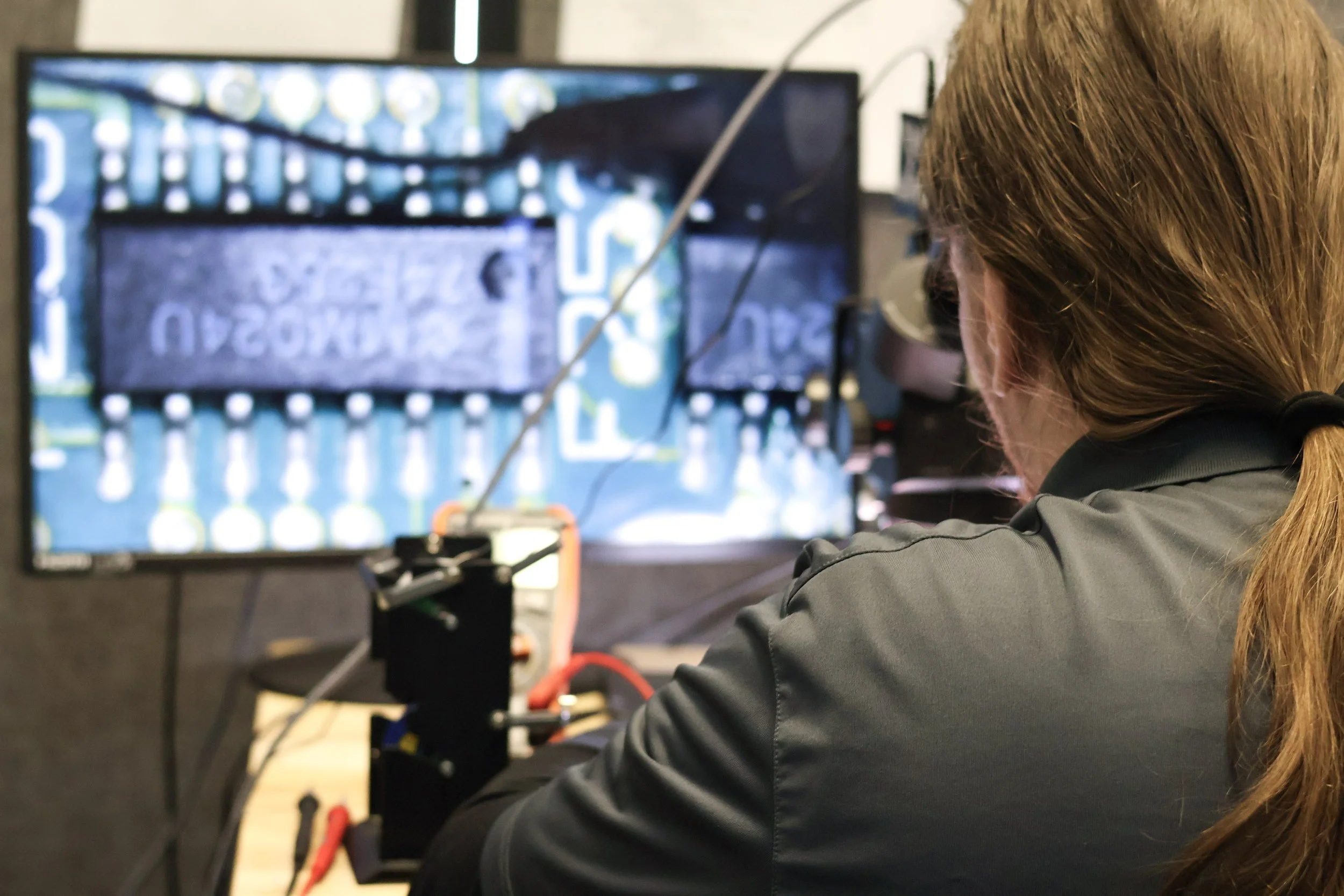
While many sound issues can be fixed at home, some problems require professional diagnostics and repair. You may want to visit a repair technician if:
The speaker sounds distorted, crackling, or muffled
Your phone was exposed to water or moisture
The device was dropped or physically damaged
Volume buttons are stuck or unresponsive
Sound only works with headphones connected
Audio cuts in and out randomly
You suspect internal speaker or audio chip damage
These issues often involve hardware damage that basic troubleshooting cannot fix. At The Phone Fix Place, our technicians provide reliable diagnostics and repair solutions to help you feel confident using your device again.
Preventing Future Phone Volume Problems
Taking care of your phone can help prevent future speaker and audio issues. Regularly cleaning the speaker openings, avoiding water exposure, and keeping your software updated can all help maintain healthy sound performance. Using a protective phone case can also reduce the risk of internal damage after accidental drops. It is also a good idea to avoid playing audio at maximum volume for long periods, since this can affect speaker quality over time. Simple maintenance habits can help extend the life of your device and reduce the need for repair later on.
Frequently Asked Questions
Why Is My Phone Speaker Not Working, but my headphones do?
If your phone audio works through headphones but not through the speaker, the issue may involve the phone’s internal speaker or audio settings. Dirt buildup, water damage, or hardware failure are all possible causes.
Is There a Service Center Near Me for Fixing Phone Sound Issues?
Yes. Professional repair shops can diagnose and repair phone speaker and audio problems. If you need smartphone repair in Albuquerque, The Phone Fix Place offers diagnostics and repair services for speaker issues, water damage, and other sound-related problems.
Why Does My Phone Have Sound in Some Apps but Not Others?
This is often caused by app-specific settings, muted permissions, or software bugs. Updating the app, checking its audio settings, or restarting your phone may help restore sound.
How Do I Clean My Phone Speaker Safely?
You can safely clean your phone speaker using a soft-bristled brush, microfiber cloth, or compressed air. Avoid sharp tools or excessive moisture, since these can damage internal speaker components.
Restore Clear Sound to Your Phone
Having your phone repaired is not only about fixing the sound issue, but also about restoring the overall experience your device is meant to provide. From calls and videos to music and notifications, clear audio plays an important role in everyday phone use.
At The Phone Fix Place, we help customers with dependable repairs, honest recommendations, and fast service that keeps things simple. If your phone volume still is not working, stop by our Albuquerque shop or contact us for an instant quote. We’ll help you get your device sounding normal again.
Key Takeaways
Phone sound problems can be caused by settings, software issues, or hardware damage
Restarting your phone and checking audio settings are good first troubleshooting steps
Water damage and drops can lead to speaker or internal audio component failure
Professional diagnostics can help identify issues that basic troubleshooting cannot fix
Preventive care can reduce future speaker and sound problems
