
Top 7 Causes of Data Loss in Hard Drives and How to Prevent It
Quick Answer: Data loss can happen because of hard drive failure, accidental deletion, malware, power issues, physical damage, file system corruption, or simple human error. While some files may be recoverable, acting quickly and avoiding further use of the drive can improve your chances of successful data recovery in Albuquerque.
Losing important data is frustrating. Whether you're working from home or simply trying to access important documents, data loss is one of the more common computer issues people face. While not every hard drive failure can be prevented, knowing what causes data loss can help you protect your files before it's too late. In this guide, we'll explain the most common reasons hard drives fail, how to reduce the risk, and what steps to take if you need to recover your data.
What Is Data Loss?
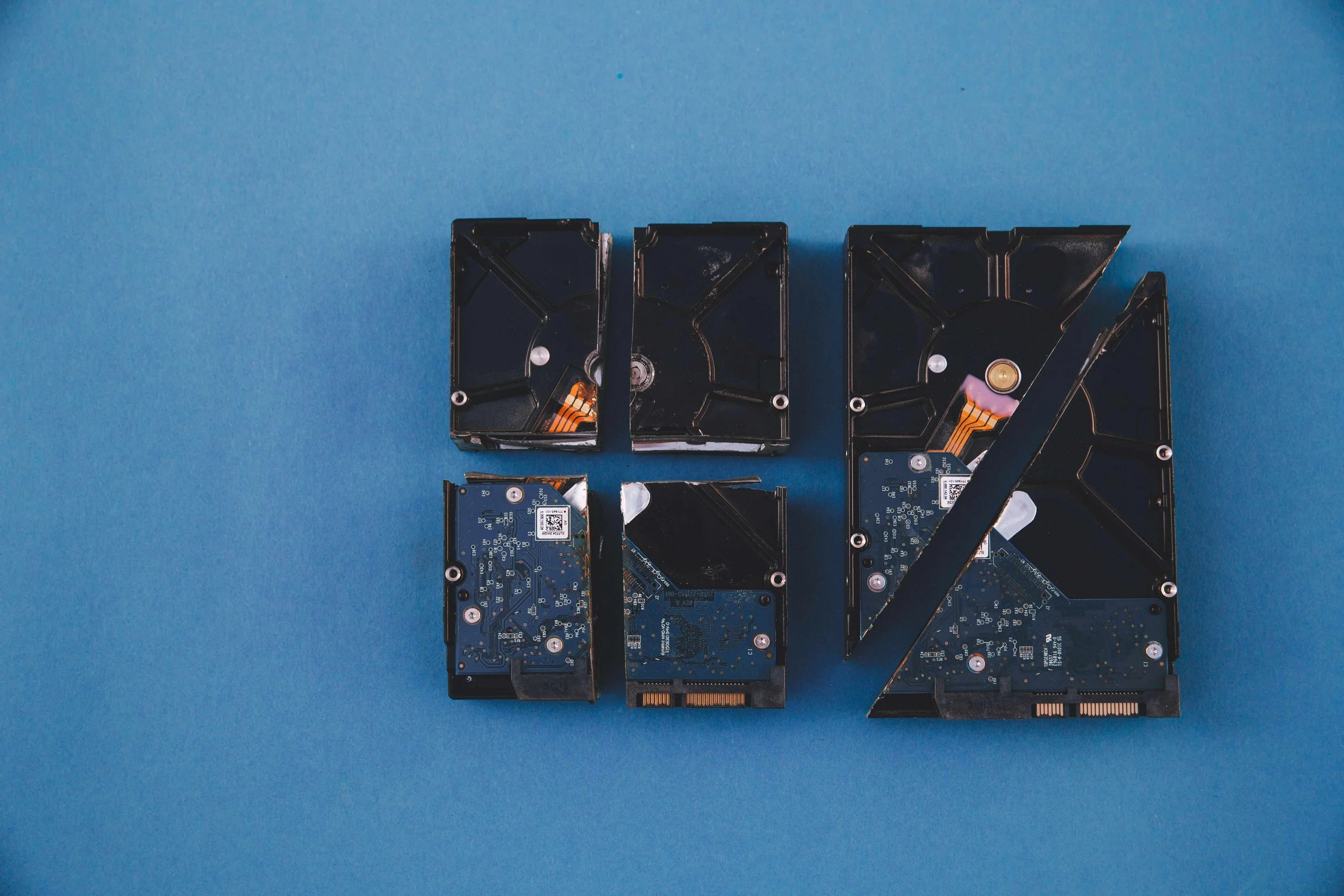
Data loss happens when files stored on a hard drive become inaccessible, corrupted, or permanently deleted. It can affect everything from personal photos and videos to important business documents, making valuable information difficult or impossible to access. Depending on the cause, the loss may be temporary or permanent.
Common Causes of Data Loss in Hard Drives
Data loss does not always happen the same way. Sometimes it happens instantly after an accident, while other times it develops gradually as hardware begins to fail. Understanding the most common causes can help you protect your files and reduce the risk of losing important data.
1. Accidental Deletion
Accidentally deleting files is one of the most common reasons people lose data. While deleted files can sometimes be recovered, they become much harder to retrieve once new data overwrites them.
How to help prevent it: Back up important files regularly and double-check before permanently deleting anything.
2. Hard Drive Failure
Hard drives naturally wear out over time. As their internal components age, they can eventually fail, making your files inaccessible.
How to help prevent it: Monitor your hard drive's health, replace aging drives before they fail, and keep up-to-date backups of important files.
3. Malware and Ransomware
Viruses, ransomware, and other malicious software can corrupt, encrypt, or permanently delete files stored on your computer.
How to help prevent it: Keep your operating system and antivirus software updated, avoid downloading suspicious files, and maintain secure backups.
4. Power Surges or Unexpected Power Loss
A sudden power outage or electrical surge can interrupt the process of saving data, resulting in corrupted files or damage to your hard drive.
How to help prevent it: Use a surge protector or an uninterruptible power supply (UPS), and always shut down your computer properly.
5. Physical Damage
Dropping a laptop, exposing a hard drive to water, or subjecting it to excessive heat can damage its internal components. If your device has been dropped or suffered physical damage, it's best to have it inspected before attempting to use it again. A professional laptop repair service in Albuquerque can also identify hidden damage before it leads to more serious problems or data loss.
How to help prevent it: Handle your computer and external hard drives carefully, store them in a safe place, and use protective cases when traveling.
6. File System Corruption
The file system keeps your data organized. When it becomes corrupted, your files may appear missing or become impossible to open.
How to help prevent it: Safely eject external drives, keep your operating system updated, and avoid forcing your computer to shut down unexpectedly.
7. Human Error
Sometimes data loss comes down to simple mistakes, such as formatting the wrong drive, overwriting files, or making unintended system changes.
How to help prevent it: Create regular backups, review actions before making major changes, and use version history whenever it's available.
While data loss cannot always be prevented, following these best practices can significantly reduce the risk. They also improve your chances of recovering important files if something unexpected happens.

What to Do Immediately After Data Loss
The first few steps you take after losing data can make a big difference in whether your files can still be recovered. If you notice files are missing, or your hard drive suddenly stops working, here's what you should do:
Stop using the hard drive immediately to avoid overwriting recoverable files.
Try to identify what caused the data loss, whether it was accidental deletion, hardware failure, malware, or something else.
Check your backups to see if your files can be restored from cloud storage or an external drive.
Avoid opening or attempting to repair a physically damaged hard drive yourself.
Contact a professional if the drive contains important files that cannot be replaced.
At The Phone Fix Place, we understand how stressful it can be to lose important files. Our technicians perform detailed diagnostics and recovery attempts for both internal and external hard drives whenever possible. If you need data recovery in Albuquerque, stop by our shop. We'll explain your options and help you determine the best path forward.
Frequently Asked Questions
How often should you back up the data on your computer?
It's a good idea to back up important files at least once a week. If you regularly work with business documents, school files, or family photos, automatic daily backups using cloud storage or an external drive provide even better protection.
Can data be recovered from a failed hard drive?
In many situations, yes, technicians can recover data before replacing the drive, although severe physical damage may require specialized recovery techniques.
Can a damaged hard drive be repaired without losing data?
It depends on the type and extent of the damage. In many situations, data can be recovered before the drive is repaired or replaced. More severe physical damage may require specialized recovery techniques.
How long does hard drive data recovery take?
Recovery times vary depending on the cause of the data loss and the condition of the drive. Some cases may take only a few hours, while more complex recoveries involving physical damage can take several days.
Professional Data Recovery in Albuquerque
Losing important files can feel overwhelming, but it doesn't always mean they're gone for good. Acting quickly gives you the best chance of recovering your data before the problem becomes worse.
At The Phone Fix Place, we provide professional hard drive data recovery in Albuquerque to help recover the files that matter most. Whether your hard drive has failed or your data has become inaccessible, our experienced technicians are here to assess the problem, explain your options, and do everything possible to recover your valuable files.
Key Takeaways
Hard drive failure, accidental deletion, malware, power issues, physical damage, file corruption, and human error are the most common causes of data loss.
Regular backups are the best way to protect important files.
Stop using a hard drive immediately after data loss to improve the chances of recovery.
Never attempt to open or repair a physically damaged hard drive yourself.
Professional data recovery may still be possible, even after a hard drive failure.
