
Why Is My iPhone Battery Draining So Fast? (2026 Guide)
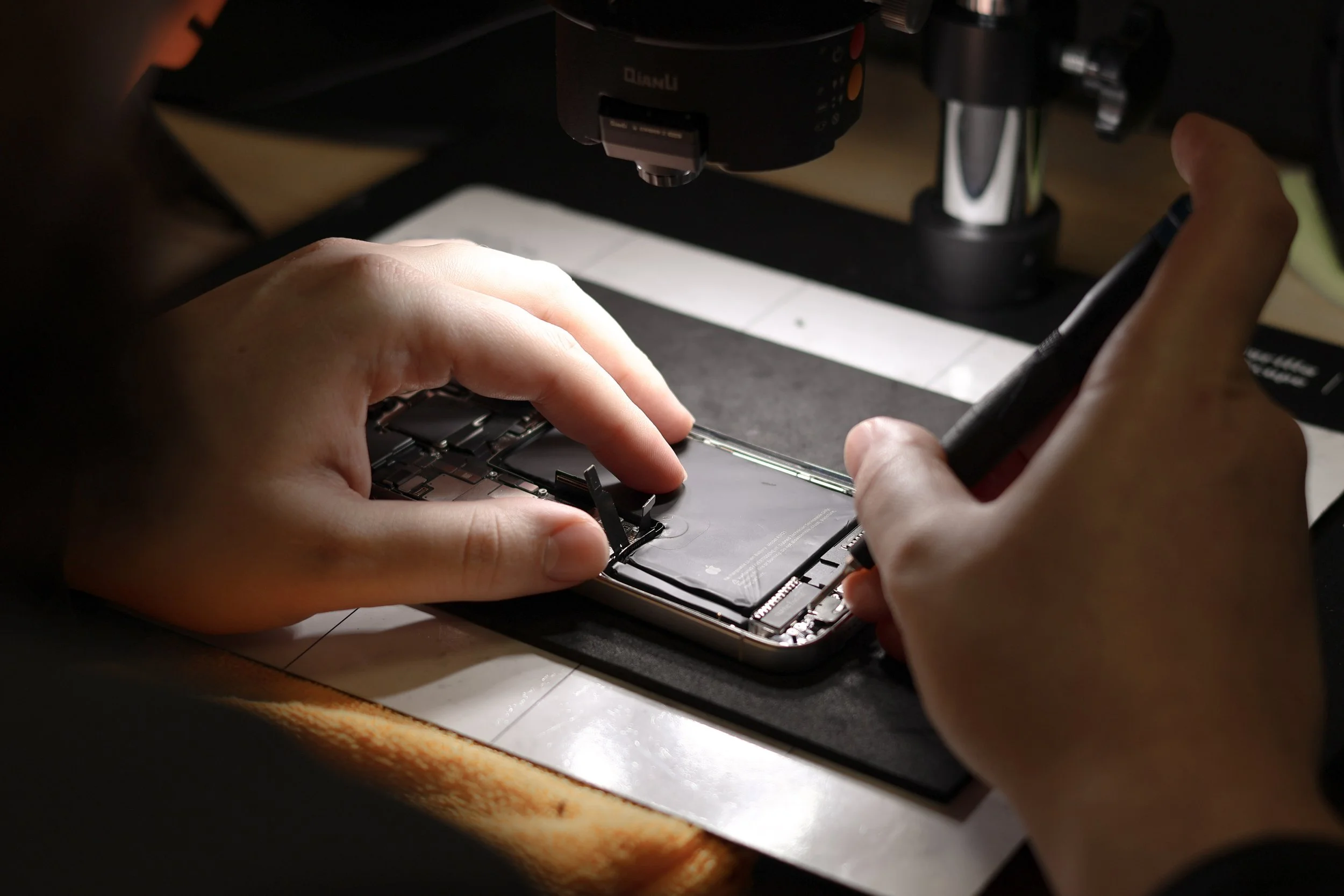
If your iPhone battery is draining unusually fast, you're not alone. Battery problems are one of the most common issues we see at The Phone Fix Place in Albuquerque. In many cases, the problem is simply an aging battery. In other cases, it may be caused by software, settings, extreme temperatures, or even internal hardware damage.
The good news is that many battery issues can be diagnosed quickly, and in many cases, they can be repaired without replacing your phone.
1. Your Battery May Simply Be Wearing Out
Every rechargeable battery has a limited lifespan. Apple designs iPhone batteries to retain up to 80% of their original capacity after approximately 500 complete charge cycles, which, for many people, works out to about two to four years of normal use.
As your battery ages, you may notice:
Your battery drains much faster than it used to.
Your phone shuts off unexpectedly.
Performance slows down.
You need to charge your phone several times each day.
You can check your battery's condition by going to:
Settings → Battery → Battery Health & Charging
If your Maximum Capacity is below 80%, it may be time to consider replacing the battery.
2. Background Apps Can Drain Your Battery
Some apps use much more power than others, especially if they're constantly running in the background.
Apps that commonly use more battery include:
GPS and navigation apps
Social media apps
Streaming video services
Camera and photo editing apps
Fitness tracking apps
Games with high graphics requirements
To see what's using your battery, go to:
Settings → Battery
This screen shows which apps have used the most battery during the last 24 hours and the last 10 days.
3. Heat Is One of the Biggest Enemies of Your Battery
Heat is one of the fastest ways to shorten the life of a lithium-ion battery.
Leaving your iPhone:
In a hot car
In direct summer sunlight
On a pool deck
On the dashboard of your vehicle
can permanently reduce battery capacity.
If your iPhone becomes too hot, it may temporarily shut down until it cools to help protect the internal components.
If you're outdoors during hot weather, try to keep your phone in the shade or wrapped in a light-colored towel rather than leaving it exposed to direct sunlight.
4. Your Settings May Be Using More Battery Than You Realize
Several everyday settings can increase battery usage, including:
Maximum screen brightness
Always-On Display (supported models)
Background App Refresh
Frequent location services
Push email for multiple accounts
Poor cellular reception, which causes your phone to work harder to stay connected
Making a few small adjustments can often add hours of battery life.
5. Software Can Affect Battery Life
It's not unusual to notice increased battery usage for a day or two after installing an iOS update. Your iPhone may still be indexing photos, rebuilding search databases, and completing background tasks.
If your battery continues draining rapidly several days after an update, another issue may be contributing to the problem.
Restarting your iPhone and installing the latest iOS updates can often resolve software-related battery issues.
6. Internal Damage Can Cause Rapid Battery Drain
This is one of the causes that many people don't realize is possible.
If your iPhone has been dropped, exposed to water, or subjected to extreme heat, internal electronic components may have been damaged.
When certain electronic components begin to fail, they often generate excess heat. That heat continuously draws power from the battery, causing it to drain much faster than normal.
Some warning signs include:
Your phone becomes unusually warm even when you're not using it.
The battery percentage drops very quickly.
Your phone randomly shuts off.
Charging becomes inconsistent.
The phone repeatedly restarts by itself.
If your phone is experiencing these symptoms, it's important to have it professionally diagnosed before the damage becomes worse.
7. Boot Looping Can Be a Sign of a Hardware Problem
One of the more serious symptoms we occasionally see is something called boot looping.
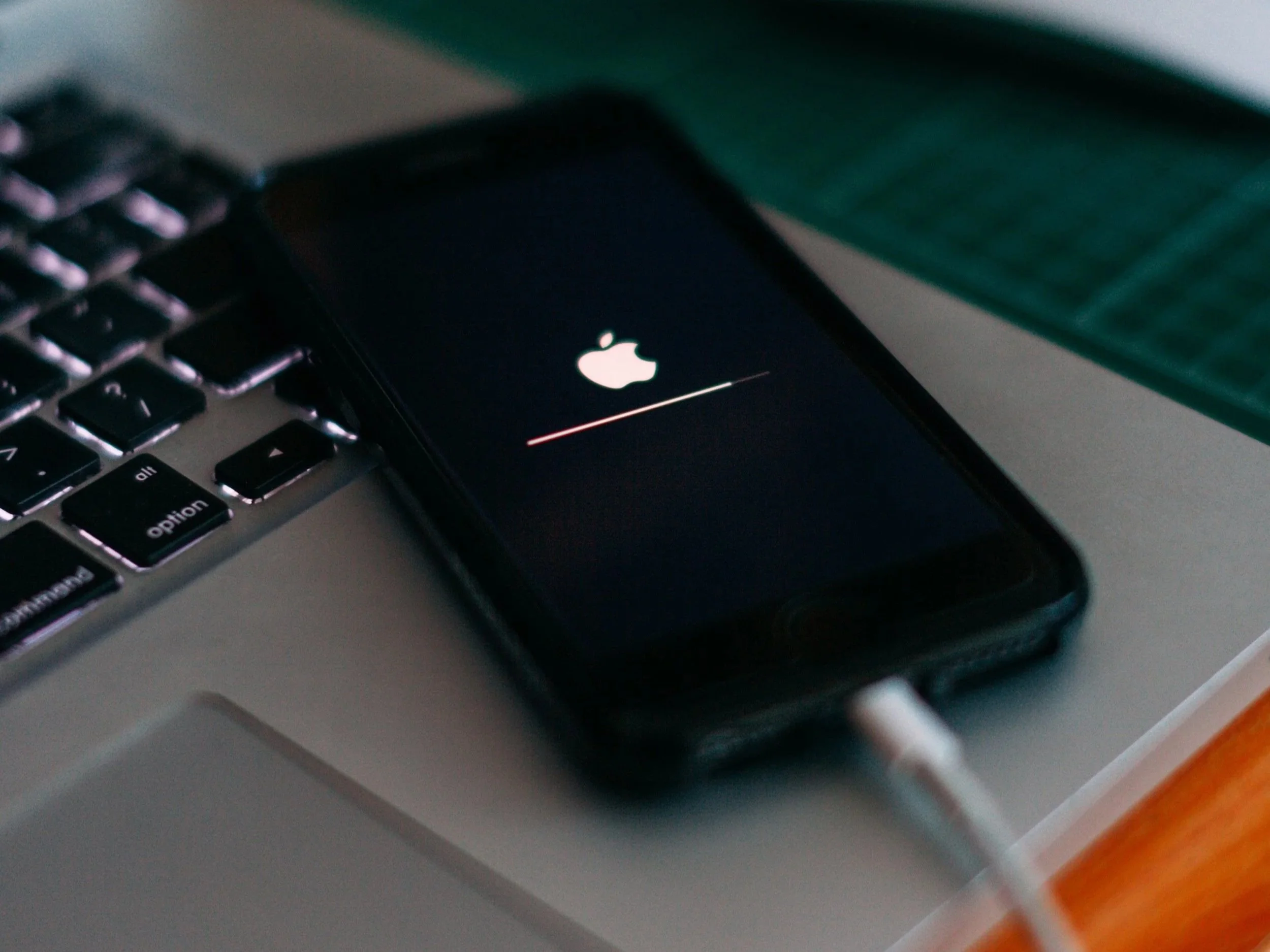
This happens when your iPhone repeatedly displays the Apple logo, shuts off, restarts, and repeats the cycle over and over again. Sometimes the phone may stay on for only a few minutes before restarting.
While software problems can sometimes cause boot loops, they can also be the result of damaged internal components.
Because your phone is constantly trying to restart, the battery may drain extremely quickly.
Professional diagnostics are often required to determine the exact cause.
8. When Should You Replace Your Battery?
A battery replacement may be the right solution if:
Battery Health is below 80%.
Your battery no longer lasts through the day.
Your phone shuts off unexpectedly.
Charging has become much more frequent.
The battery is swollen or pushing the screen away from the frame.
If you notice swelling, stop using the phone and have it inspected as soon as possible.
Simple Ways to Improve iPhone Battery Life
Before replacing your battery, try these tips:
Turn on Low Power Mode.
Reduce screen brightness.
Disable Background App Refresh for apps you don't need.
Limit Location Services for unnecessary apps.
Keep your iPhone updated with the latest version of iOS.
Restart your phone occasionally.
Avoid exposing your phone to excessive heat.
Replace an aging battery when Battery Health drops below 80%.
Frequently Asked Questions
Why is my iPhone battery draining overnight?
Background apps, poor cellular reception, software updates, or an aging battery are the most common causes.
Does closing apps save battery?
Not usually. iOS is designed to manage background apps efficiently. Constantly force-closing apps can actually increase battery usage because they must fully reload the next time you open them.
Should I replace my battery or buy a new iPhone?
If your iPhone is otherwise working well, replacing the battery is often one of the most cost-effective repairs you can make. A new battery can dramatically improve battery life and extend the useful life of your phone.
Can a damaged phone cause battery drain?
Yes. Internal damage from drops, water exposure, or component failure can create electrical problems that rapidly drain your battery and may require professional repair.
Fast iPhone Battery Replacement and Diagnostics in Albuquerque
At The Phone Fix Place, we don't automatically assume every battery problem requires a battery replacement.
Our experienced technicians first determine why your battery is draining so quickly. Sometimes the solution is a new battery. Other times, the issue may involve software, charging components, or damaged internal electronics.
Whether your iPhone simply needs a new battery or requires more advanced diagnostics, we're here to help.
If you're experiencing rapid battery drain, unexpected shutdowns, or overheating, stop by The Phone Fix Place in Albuquerque for a professional evaluation. We'll help identify the problem and recommend the most cost-effective solution to keep your iPhone running its best.
You may also find our article "Is It Worth Repairing My iPhone or Should I Buy a New One?" helpful if you're deciding whether to repair or replace your device.
