
7 Crucial Security Checks If Your Mobile Banking Is Compromised

Quick Answer
If your mobile banking or financial account has been compromised, act quickly by changing your password, signing out of other devices, enabling two-factor authentication, and reviewing your accounts for unauthorized activity.
Our phones have become our go-to tools for just about everything, from notes, messages, and photos to shopping and mobile banking. Having all of that at our fingertips is convenient, but it also means our phones can hold or provide access to a lot of personal and financial information.
And the risk is closer to home than we might think. In 2024 alone, the FBI's Internet Crime Complaint Center recorded 3,884 cybercrime complaints in New Mexico. With thousands of people in our state reporting cybercrime, knowing how to protect your financial accounts and what to do when something goes wrong is becoming increasingly important.
If you suspect your phone or online payment account has been compromised, acting quickly can help prevent further unauthorized access. In this guide, we'll walk through important bank account security steps to protect your banking and credit accounts, plus what to check if you think your phone may be involved.
How to Know If Your Phone Is Compromised
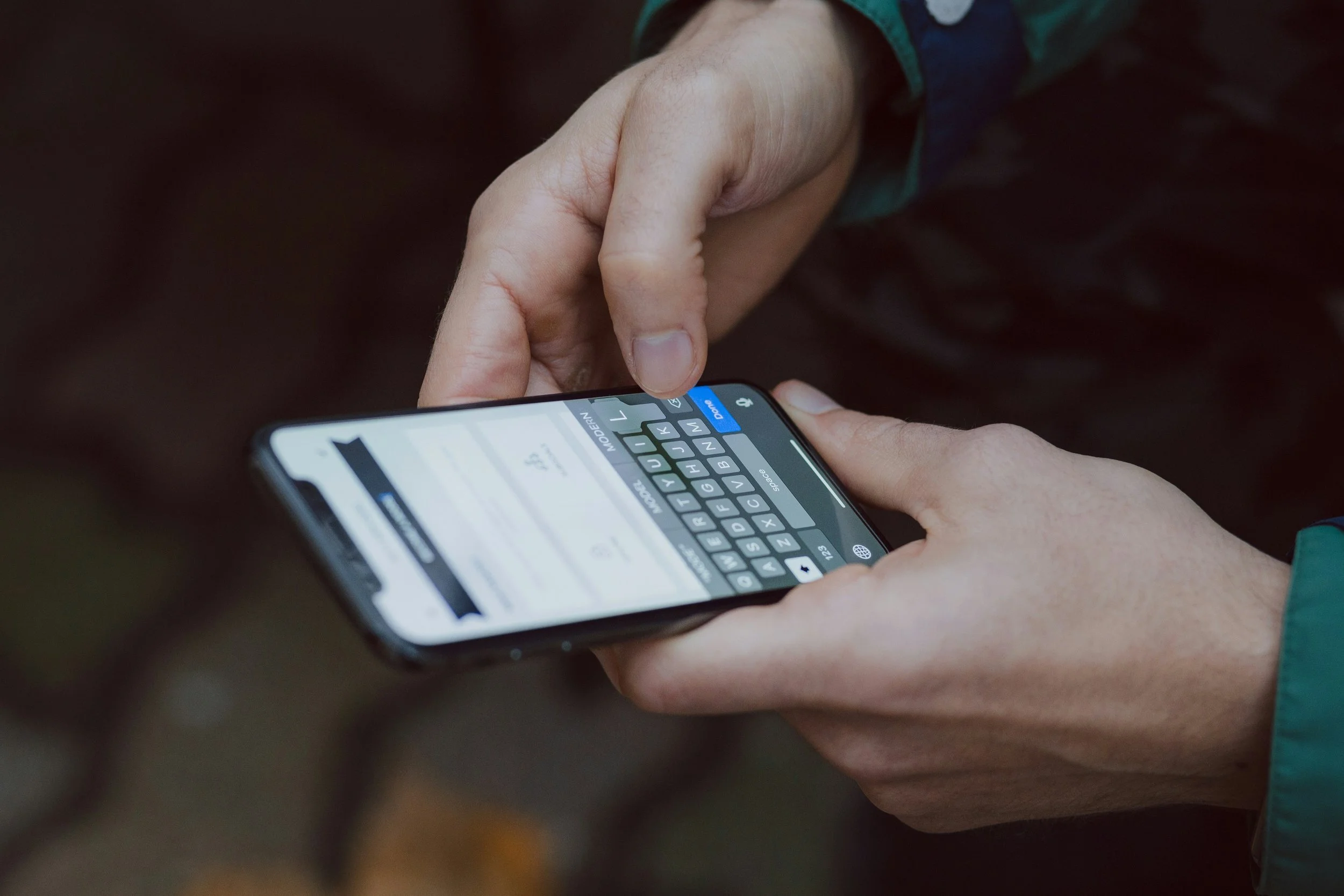
You can often spot a potentially compromised phone by noticing unusual changes in your device, account activity, or security settings. Some warning signs can be subtle, while others are easier to spot. Here’s where to start:
Unfamiliar apps appear on your phone - Apps you do not remember downloading could be a sign that someone else has gained access to your device.
Your phone drains faster, slows down, or overheats unexpectedly - Sudden changes in battery life or performance without a clear reason may mean an unfamiliar app or process is running in the background.
You notice unusual pop-ups or redirects - An increase in unexpected ads, browser redirects, or unfamiliar notifications can be a warning sign.
Your data usage suddenly increases - A noticeable spike in mobile data could mean an unfamiliar app or process is sending information in the background.
You receive unexpected login or security alerts - Password reset emails, verification codes, or login notifications you did not request may mean someone is trying to access your accounts.
Calls or messages appear that you did not make - Check your recent calls and messages for activity you do not recognize.
Your phone's settings can offer more clues, too. Check your installed apps, permissions, battery and data usage, and connected devices for anything unfamiliar or changes you did not make. One unusual behavior does not necessarily mean your phone is compromised, but several unexplained changes are a good reason to investigate further.
7 Bank Account Security Checks to Make After Your Account Is Hacked
A hacked account does not necessarily mean all is lost, but acting quickly matters. Taking the right security measures as soon as possible can help block further access and limit potential financial damage.
1. Change Your Password Immediately
Change the password for the affected account as soon as you notice suspicious activity. Choose a strong, unique password that you have not used for other accounts, especially if your existing password may have been exposed.
2. Sign Out of Other Devices and Sessions
Check your account for active sessions or connected devices and sign out of any you do not recognize. If the option is available, signing out of all devices can help remove unauthorized access before you log back in securely.
3. Turn On Two-Factor Authentication
Enable two-factor authentication (2FA) to add another security step beyond your password. If your phone itself is compromised, review your available authentication methods and choose a secure option that an unauthorized user cannot easily access. When available, an authenticator app or security key can provide stronger protection than text-message verification.
4. Review Recent Transactions
Go through your recent payments, transfers, withdrawals, and linked cards to look for activity you did not authorize. Even small or unfamiliar transactions are worth checking, as they could indicate that someone has gained access to your account.
5. Contact Your Bank or Payment Provider
Contact your bank or payment provider as soon as possible to report the compromised account and any suspicious transactions. They can explain the next steps available, which may include securing the account, blocking cards, or disputing unauthorized charges.
6. Check Your Linked Bank Accounts and Cards
Do not limit your security checks to the account that was initially compromised. Review any linked bank accounts, debit or credit cards, and other payment methods for unfamiliar activity or changes you did not make.
7. Continue Monitoring Your Accounts
Keep a close eye on your financial accounts even after you have taken the immediate security steps. Watch for unfamiliar login attempts, transactions, password resets, or security notifications that could indicate someone is still trying to gain access.
What If Your Phone or Email Was Compromised Too?
If your phone or email was compromised along with your payment account, securing those should also be a priority since they are often used for password resets and verification codes. Change your email password, review logged-in devices and active sessions, and remove anything you do not recognize. If you notice suspicious activity involving your phone number or SIM, contacting your mobile carrier can also help. Taking care of these access points can help prevent someone from using them to get back into accounts you have already secured.
What to Expect When Your Bank Investigates Suspicious Activity
After you report suspicious activity, your bank will typically take steps to verify your identity and investigate the transactions you believe are unauthorized. The exact process can vary by bank and the type of transaction, but you may encounter steps such as:
Identity verification - Your bank may confirm personal information, use a PIN or other authentication method, or ask for additional information to verify that you are the account holder.
Transaction review - The bank may review the disputed transactions, including the amount, date, merchant, and where the transaction took place.
Account activity review - Your recent account activity and typical transaction patterns may be reviewed for anything unusual or inconsistent.
Additional security information - Depending on the situation, the bank may review other available account or security data related to the suspicious activity.
Supporting documentation - You may be asked to provide additional details or documents to help with the investigation.
Tip: Keep any transaction records, emails, text alerts, or other information related to the suspicious activity. Having these ready can make it easier to provide details if your bank asks for them.
How Can You Keep Mobile Banking More Secure Going Forward?
You can make mobile banking and online payments more secure by building a few simple security habits around how you access, use, and monitor your financial accounts.
Use unique passwords for financial accounts.
Turn on transaction and login alerts.
Avoid payment links from unfamiliar emails or messages.
Keep your phone, banking apps, and operating system updated.
Only make payments through trusted websites and apps.
Avoid accessing financial accounts on unsecured public Wi-Fi.
Review your financial activity regularly.
Remove payment information from apps you no longer use.
Good bank account security also means paying attention to the device you use to access your financial accounts. Keeping your phone in good working condition, with updated software and apps, can help you use mobile banking and online payments more securely.
When Should You Have Your Phone Checked by a Professional?
You should have your phone checked by a professional when you notice recurring software problems, unfamiliar changes, or performance issues you can’t explain. Keeping your phone in good condition is a smart habit, especially when you rely on it for everyday tasks like mobile banking. When something doesn’t seem right, getting the issue checked early can help you better understand what your phone may need.
Phone diagnostics: Our technicians can check your phone to identify hardware or software issues and recommend the right repair solution.
Software troubleshooting: If your phone is experiencing crashes, failed updates, slow performance, or other software-related problems, our team can diagnose the issue and help determine the next step.
At The Phone Fix Place, we can help take care of the device side of the equation, from diagnosing unexplained problems to addressing software issues that may be affecting your phone. Keeping your device in good working order, alongside smart security habits, can help you feel more confident using it for everyday tasks like mobile banking and online payments. Visit our shop or contact us for an instant quote.
Frequently Asked Questions
Can hackers still access my account after I change my password?
Changing your password can block someone who was using your old login credentials, but it may not end every active session or remove other ways they gained access. Sign out of other devices, review your security settings, and check for unfamiliar activity as well.
Should I remove my banking apps if my phone is compromised?
If you believe someone still has unauthorized access to your phone, avoid using banking apps on the device until it has been secured. Contact your bank if needed and use a trusted device to manage your account in the meantime.
Can a compromised phone affect Apple Pay or Google Pay?
A compromised phone may put your accounts or digital wallet at risk, particularly if someone can unlock the device or gain access to your account credentials. Review your wallet and connected accounts for unfamiliar activity, and contact your card issuer if you notice anything suspicious.
Should I freeze my credit after my phone is compromised?
A credit freeze may be worth considering if sensitive personal or financial information was exposed and you are concerned about identity theft. A credit freeze can make it harder for someone to open new credit accounts in your name, although you should still monitor existing accounts for unauthorized activity.
What happens to saved payment information if my phone is hacked?
Saved payment information may be at risk depending on how it is stored and what access the unauthorized person has gained. Review saved cards and payment methods, remove anything you no longer need, and monitor the connected accounts for suspicious activity.
Take Control of Your Account Security
A compromised phone or account does not have to leave you second-guessing every online payment you make. Knowing what to watch for and building stronger security habits can help you use your accounts with greater confidence moving forward. And if your phone needs a closer look, feel free to message our team at The Phone Fix Place to see how we can help.
Key Takeaways
Act quickly if you notice unauthorized activity in a banking or payment account.
Change compromised passwords, sign out of other sessions, and enable two-factor authentication.
Review linked accounts and cards for suspicious transactions or changes.
Secure your email and phone if they may have been compromised too.
Have your phone professionally checked if unexplained device or software problems continue.
