Is Your iPhone Screen Cracked? Repair Solutions from DIY to Pro
Why a Cracked iPhone Screen Fix Matters More Than You Think
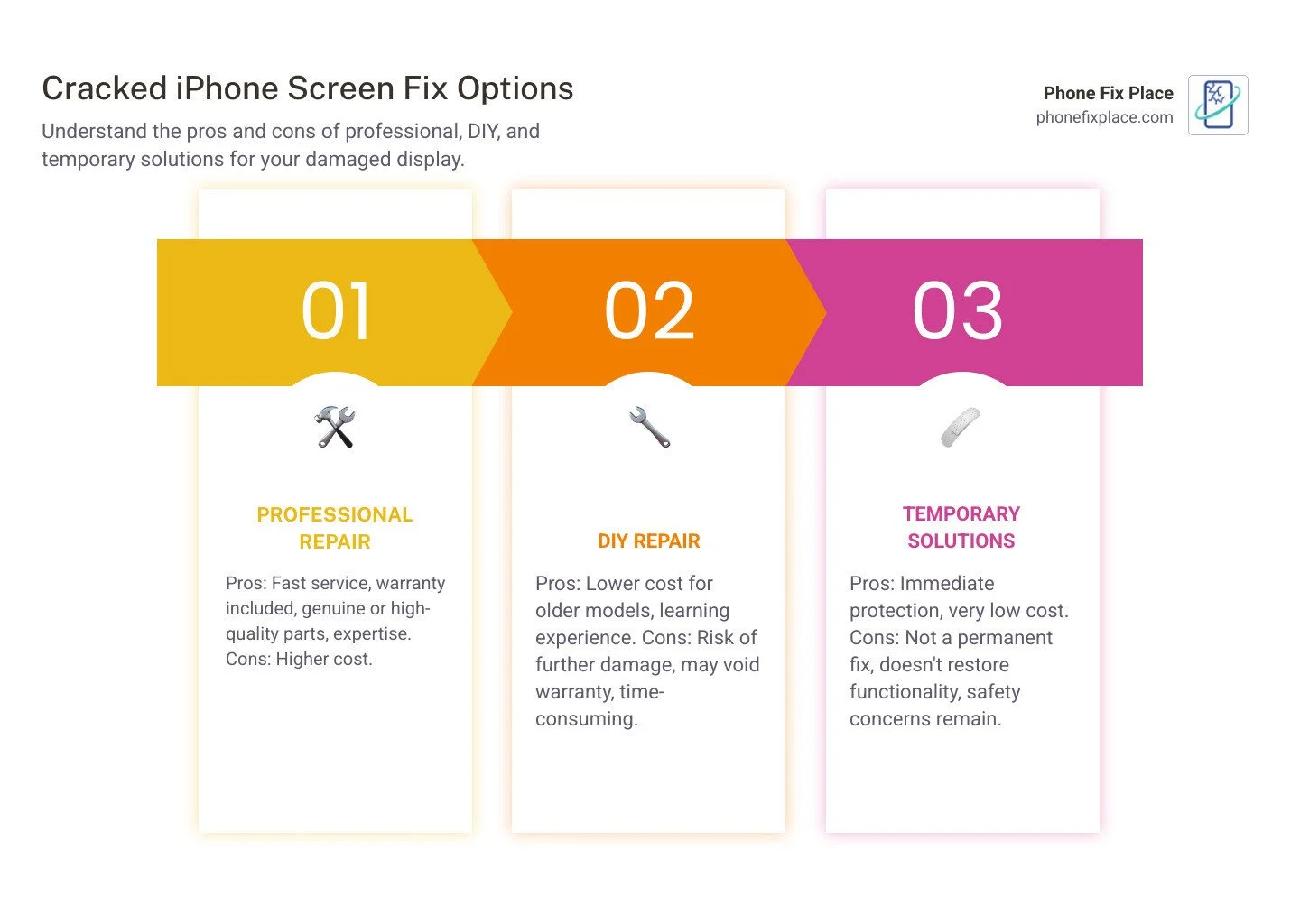
Cracked iPhone screen fix options include professional repair ($149–$329+ at Apple or local shops), DIY kits ($80–$185+), or temporary solutions like tape and screen protectors. Professional repair is fastest and safest, especially for newer models. DIY works for older iPhones if you're comfortable with tech. Always back up your data first.
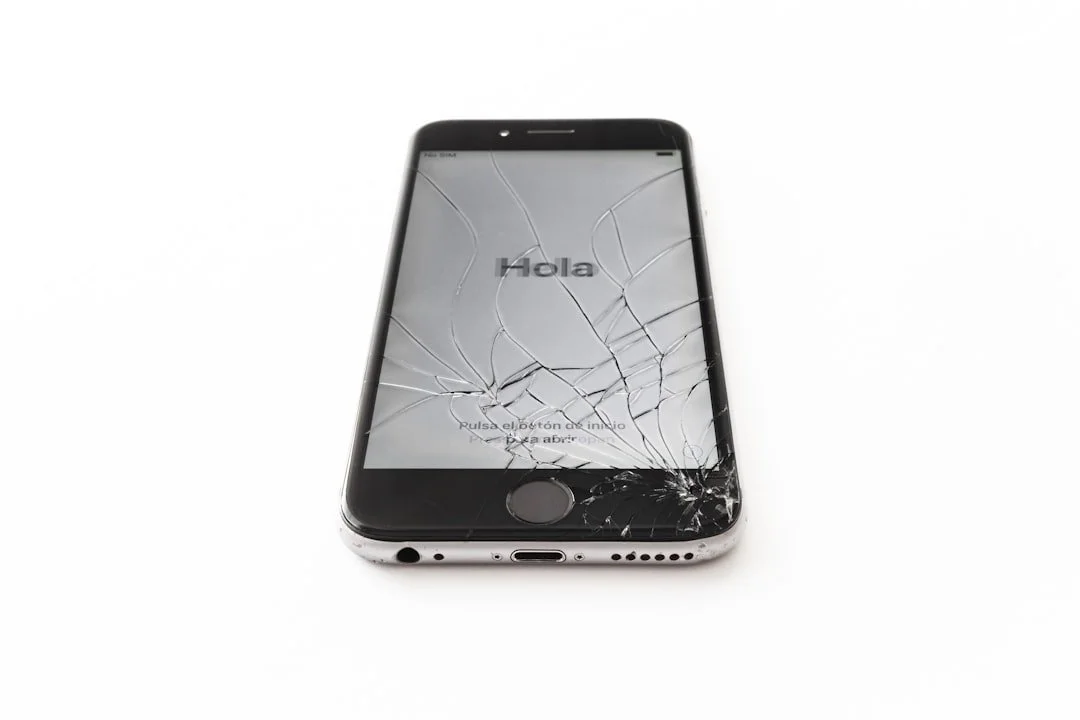
Maybe it was a slip while juggling groceries, or a quick drop as you rushed out the door. Either way, that sinking feeling when you see the spiderweb of cracks across your iPhone screen is something most of us know too well. A cracked screen isn't just annoying—it's a safety hazard, it compromises your phone's water resistance, and it can lead to more serious damage if left unaddressed.
The good news? You have options. Whether you're considering a DIY repair to save money, weighing the cost of Apple's service against a local repair shop, or just trying to figure out if your phone is even worth fixing, this guide walks you through everything you need to know.
I'm Cyndi Anastasio, owner of The Phone Fix Place in Albuquerque, and after nearly 14 years as an engineer at Intel and years running my own repair shop, I've seen every kind of *cracked iPhone screen fix imaginable—from simple cracks to shattered displays with internal damage. In this guide, I'll help you understand your repair options, what they cost, and how to protect your investment going forward.
What to Do Immediately After Cracking Your iPhone Screen
The moment your iPhone screen cracks, a million thoughts probably race through your mind. Panic is a natural first reaction, but taking a few immediate, calm steps can prevent further damage, protect your data, and keep you safe from sharp glass.
Assess the Damage and Protect Yourself
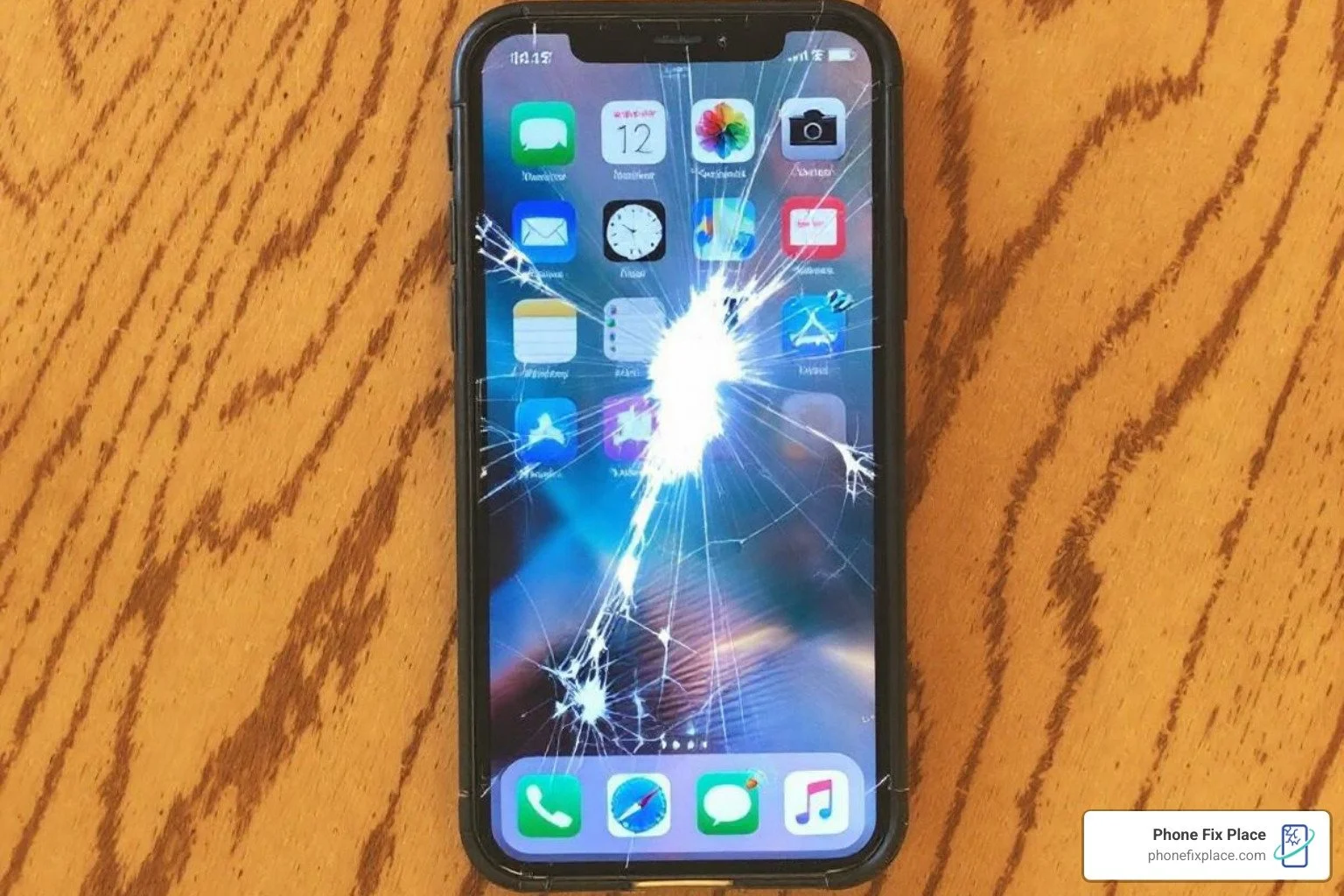
First things first: safety. A cracked screen, especially one with jagged edges, can lead to cuts. We always recommend assessing the damage carefully. Is it just a surface crack, or are there deep breaks with glass shards protruding? Run your fingernail lightly over the screen to feel for any bumps or lines. Shine a strong light on the screen to observe how light reflects differently in damaged areas, which can reveal hidden cracks.
Beyond the visible cracks, check for signs of internal damage. Look for discolored pixels, dead pixels (tiny black spots), or flickering on the display. These indicate that the LCD or OLED panel beneath the glass is also damaged. Test the touchscreen responsiveness: does it register your touches accurately across the entire screen? Unresponsive areas mean the digitizer is affected.
If there are any sharp or loose pieces of glass, we strongly advise covering the affected area with clear packing tape. This temporary fix helps contain the breakage, prevents cuts to your fingers, and can keep dust and moisture from entering the phone's internals. It's a stopgap measure, not a permanent solution, but it's crucial for your safety and your phone's integrity until you can get it repaired.
It's also important to remember that a cracked screen instantly compromises your iPhone's water resistance. Even if your phone was rated for water immersion, that seal is now broken, making it vulnerable to liquid damage. Keep it away from water and humid environments!
Back Up Your Data (If Possible)
If your iPhone is still functional after the crack, your next priority should be backing up your data. We've seen too many cases where a minor crack escalates into a complete screen failure, taking precious photos, contacts, and messages with it.
iCloud Backup: If your iPhone is connected to Wi-Fi and power, it might already be backing up automatically. You can manually trigger a backup by going to Settings > [Your Name] > iCloud > iCloud Backup and tapping "Back Up Now."
Computer Backup: Connect your iPhone to your computer using a Lightning cable. Use Finder (on macOS Catalina or later) or iTunes (on older macOS versions or Windows) to create a full backup of your device.
But what if your screen is so cracked that touch input is unresponsive? Don't despair! We have a few tricks up our sleeves:
Siri to the Rescue: If your iPhone's home button or screen is unresponsive, Siri can often perform a number of actions using just your voice. You can ask Siri to open apps, make calls, or even turn on VoiceOver to hear a description of what's happening on-screen.
External Keyboard: For inputting passcodes or navigating, you can connect a USB keyboard to your iPhone using an adapter. This allows you to control some functions externally even if the touchscreen isn't working. You can find more tips on using accessibility features on a broken screen.
Your Cracked iPhone Screen Fix Options: A Complete Breakdown
Once you've secured your phone and backed up your data, it's time to consider your repair options. Deciding on the best cracked iPhone screen fix involves weighing several factors: cost, time, quality of repair, and warranty. There's no one-size-fits-all answer, so let's explore the paths you can take.
Professional Repair: What to Expect
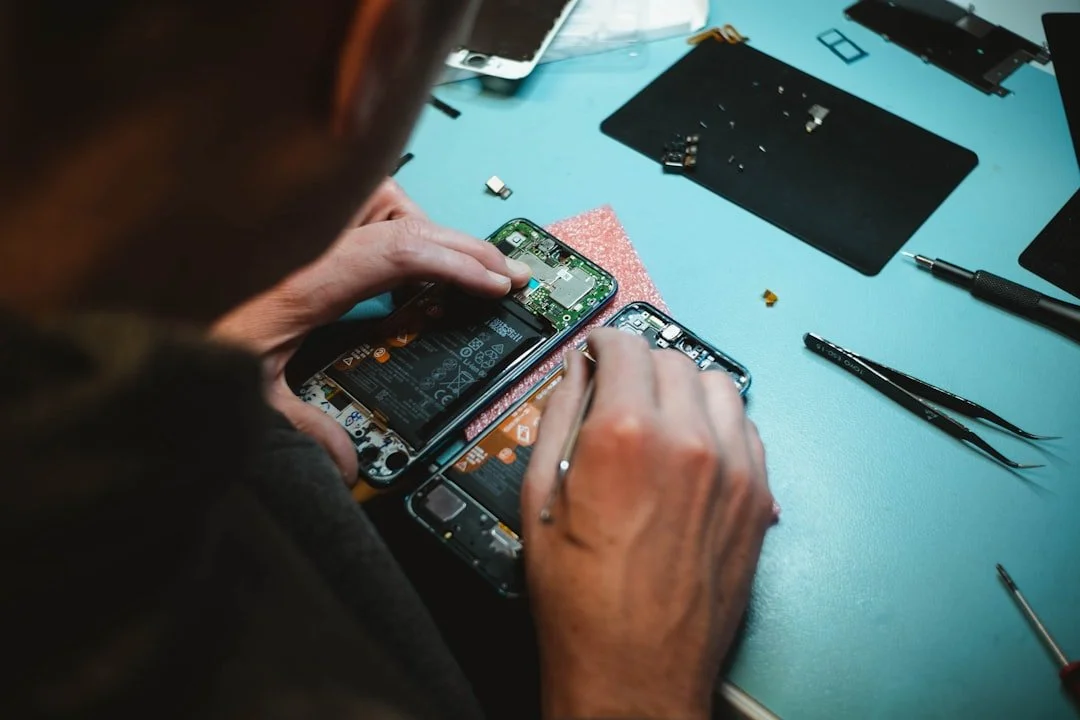
Quality and Expertise: Professional services use quality parts and employ trained technicians who understand the intricate workings of an iPhone.
Cost: Varies by model; Apple ranges $149–$329+, local shops like Phone Fix Place start around $79.
Time: Often same-day service for common issues, 30–60 minutes turnaround.
Warranty: One-year warranty on all repairs.
The DIY Cracked iPhone Screen Fix: Risks and Rewards
Cost Savings: Kits for older models ~$81; newer models ~$184.
Sense of Accomplishment: DIY repairs can be rewarding.
Risks and Challenges:
Further damage
Voiding warranty
Complexity of newer models
Potential loss of True Tone or Face ID
Required Tools and Parts: Kits include replacement screen, screwdrivers, suction cup, adhesive.
Understanding the Technical Side of Screen Repair
How Much Does a Cracked iPhone Screen Fix Cost?
Apple Repair (No AppleCare+): $149–$329+ depending on model
AppleCare+: $29 per screen repair, 2 incidents/year
Professional Third-Party Repair: ~$79+, warranty included
DIY Kit: $81–$184 depending on model
| iPhone Model | Apple Repair (No AppleCare+) | Apple Repair (with AppleCare+) | DIY Kit (Estimated Cost) |
|---|---|---|---|
| iPhone 8 | ~$149 | $29 | ~$79 |
| iPhone 11 | ~$199 | $29 | ~$81 |
| iPhone 13 | ~$279 | $29 | ~$184 |
| iPhone 15 | ~$329 | $29 | ~$184 |
(Prices are estimates and can vary.)
LCD vs. OLED Screens
LCD: Older models, backlit, good color, lower contrast.
OLED: Newer models, deeper blacks, vibrant colors; must match screen type for replacement.
Impact on Features like Face ID and True Tone
True Tone: Non-genuine parts or improper DIY installation can disable True Tone.
Face ID: Front sensor assembly must be carefully handled to maintain Face ID functionality.
How to Protect Your iPhone From Future Screen Damage
Quality Case: Raised lip and durable materials for protection.
Tempered Glass Protector: Absorbs impact, protects screen.
Dual-Layer Protection: Case + screen protector.
Handle Carefully: Avoid drops, place securely
Frequently Asked Questions about iPhone Screen Repair
Can I still use my iPhone if the screen is cracked but functional?
Yes, but risky — compromised water resistance, further damage, potential cuts. Prompt repair recommended.
How long does an iPhone screen repair typically take?
Professional repairs: 30–60 minutes for common models; DIY varies by skill and model.
Does the standard warranty cover a cracked screen?
No. Accidental damage is not covered; AppleCare+ reduces the cost for accidental screen repairs.
Conclusion
A cracked iPhone screen fix doesn’t have to be a disaster. Options range from temporary fixes, DIY, to professional repair. Assess damage, protect data, and choose based on cost, time, and quality.
For Albuquerque and the surrounding areas, Phone Fix Place offers expert technicians, a one-year warranty, and same-day service. Don’t let a cracked screen ruin your day. Get a fast, reliable smartphone repair today!